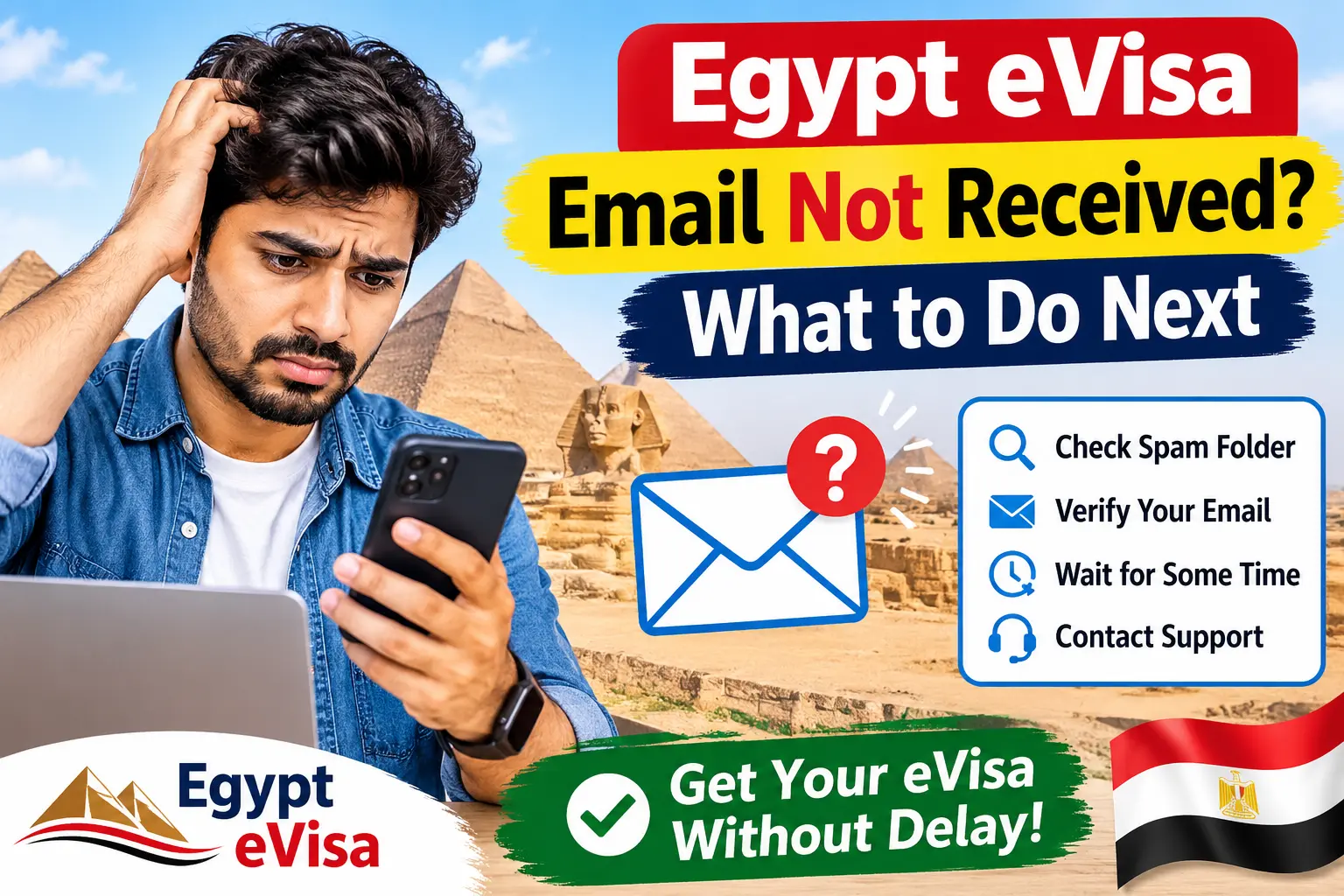
You applied, you paid, and now your inbox is empty. If your flight is close, that silence feels loud. Take a breath: a missing email is far more often a delivery problem than a refusal.
Below you will find what to check first, how to get your approved visa onto your phone or printer, what each application status actually tells you, and the passport scan mistakes that quietly cause most delays.
Quick answer: Check Spam, Junk and Promotions, make sure the email address on your application has no typo, then open the Egypt eVisa status check page and enter your application details. The page is the real source of truth, not the email.
1. Egypt eVisa email not received: what to do
Do not submit a second application yet. Duplicates can confuse things and, depending on how you pay, may cost you twice. Work through these steps in order.
Look beyond your main inbox
Open Spam, Junk, Promotions, Updates and, for work addresses, any quarantine folder your IT team manages. Then search for "Egypt", "eVisa", "application", or your application number. Messages with a PDF attached are filtered more aggressively than plain text, so they land in odd places.
Re-read the email address you entered
It sounds too simple, but it is the most common cause. One swapped letter in "gmail.com", a missing dot, or an old address you no longer use is enough. If you applied for several family members, check that you are looking in the right mailbox for each person.
Check the status online instead of waiting
Email is only a messenger. Your application has a status whether or not the message reaches you.
Check your Egypt eVisa application status online
Type the application number exactly as it appears in your confirmation, with no extra spaces. Copy and paste works better than retyping, because 0 and O look alike.
Talk to support, with the right details ready
If the status page does not help, contact the support team. Send your application number, the full name as written in your passport, the email address you used, and your travel date. That short list saves a day of back and forth.
Good to know: Egypt's own government portal is visa2egypt.gov.eg. If you are ever unsure which service you applied through, compare the confirmation you received with the site you used before you pay or apply again.
2. Egypt eVisa approved but the PDF will not download
First, confirm the visa is actually ready. An application that is still under review has no visa document to download, and no browser trick will change that.
If it is ready and the download still fails, these fixes solve most cases:
- Open the link in a real browser. Links opened inside Instagram, Facebook or email apps often block downloads. Use Chrome, Safari, Firefox or Edge.
- Allow pop-ups for the page. Some browsers open the PDF in a new tab and silently block it.
- Check the details you typed. A wrong application number simply returns nothing.
- Switch device or network. If your phone fails, try a laptop, or move from mobile data to Wi-Fi.
- Free up space and update your PDF reader. A full phone can fail without any error message.
- Try again in a little while. Short technical hiccups do happen.
If nothing works, send support your application number and a screenshot of whatever you see. A screenshot tells us more than "it doesn't work".
Once you have the file, read it slowly. Compare your name, passport number, date of birth, visa type and validity dates with your passport. Fix mistakes now, not at the airport. Then save a copy on your phone, email one to yourself and print a paper version. Airport batteries die and Wi-Fi disappears.
3. Egypt eVisa application status meanings and next steps
Statuses tell you where your application is and whether the next move is yours.
| Status | What it usually means | What to do |
|---|---|---|
| Submitted | We have received your application and it is waiting in the queue. | Save your application number and look at your email and status page from time to time. |
| Pending | It is waiting for a decision or for the next step. | No action unless you are close to your travel date. In that case, contact support. |
| Processing | It is being reviewed right now. | Wait for the next update. Do not apply again. |
| Incomplete | Information or a document is missing or needs correcting. | Read the note on your application and send the correction as soon as you can. |
| Rejected | The application was not approved. | Read any reason shown, then contact support to understand your options. |
| Cancelled | The application was stopped and will not continue. | If you did not ask for this, contact support with your application number. |
| Complete | The process is finished. Check that the visa document is available. | Download it, check every detail and keep a printed copy. |
Important: Wording can differ between systems. Submitted, pending and processing never mean "approved". Do not book non-refundable travel until you can see the actual visa document.
4. Passport bio page mistakes that delay an Egypt eVisa
The bio page is the page with your photo and personal details. When a reviewer cannot read it with confidence, they cannot verify you, and your application can stall or come back as incomplete or rejected. Most of these problems are easy to prevent.
Before you upload:
- Use the original passport and photograph the bio page itself, not a photocopy of a photocopy.
- Show all four corners and all edges. Cropped edges are a very common reason for a returned file.
- Keep the page flat. Press it down gently on a table instead of holding it in the air.
- Make sure the two lines of characters at the bottom of the page are fully visible.
- Avoid glare. The laminated page reflects window light, so shoot from slightly above and turn off the flash if it bounces back.
- Keep fingers, thumbs and clips out of the frame.
- Avoid shadows from your phone or hand. Soft daylight works best.
- Do not screenshot a scan from a screen, and do not apply filters or editing that change the look of the page.
- Compare every detail on your application with the passport: name spelling, passport number, date of birth, expiry date. Watch for zero and the letter O.
- Check your passport validity. Most guides recommend at least six months beyond your arrival date, and some blank pages for stamps.
If the system asks for a PDF, upload the original file without altering it.
Remember: A perfect scan does not guarantee approval, but a bad one gives the reviewer an easy reason to stop.
5. How to stay calm while you wait
- Apply early. It is commonly advised to apply at least a week before you fly, and earlier in busy seasons.
- Write down your application number and keep the confirmation email.
- Use the status page every day or two instead of refreshing your inbox every ten minutes.
- Answer any request from support quickly. Delays often come from waiting for one missing detail.
- Treat a late email as a delivery question first, not as bad news.
- Keep a digital and a paper copy of the approved visa.
Stuck? Send us your application number and describe what you see. We would rather sort it out before your trip than after.
Leave a Comment
Share your questions, feedback, or experience regarding the news.
No Comments Yet
Be the first to share your experience or ask a question.