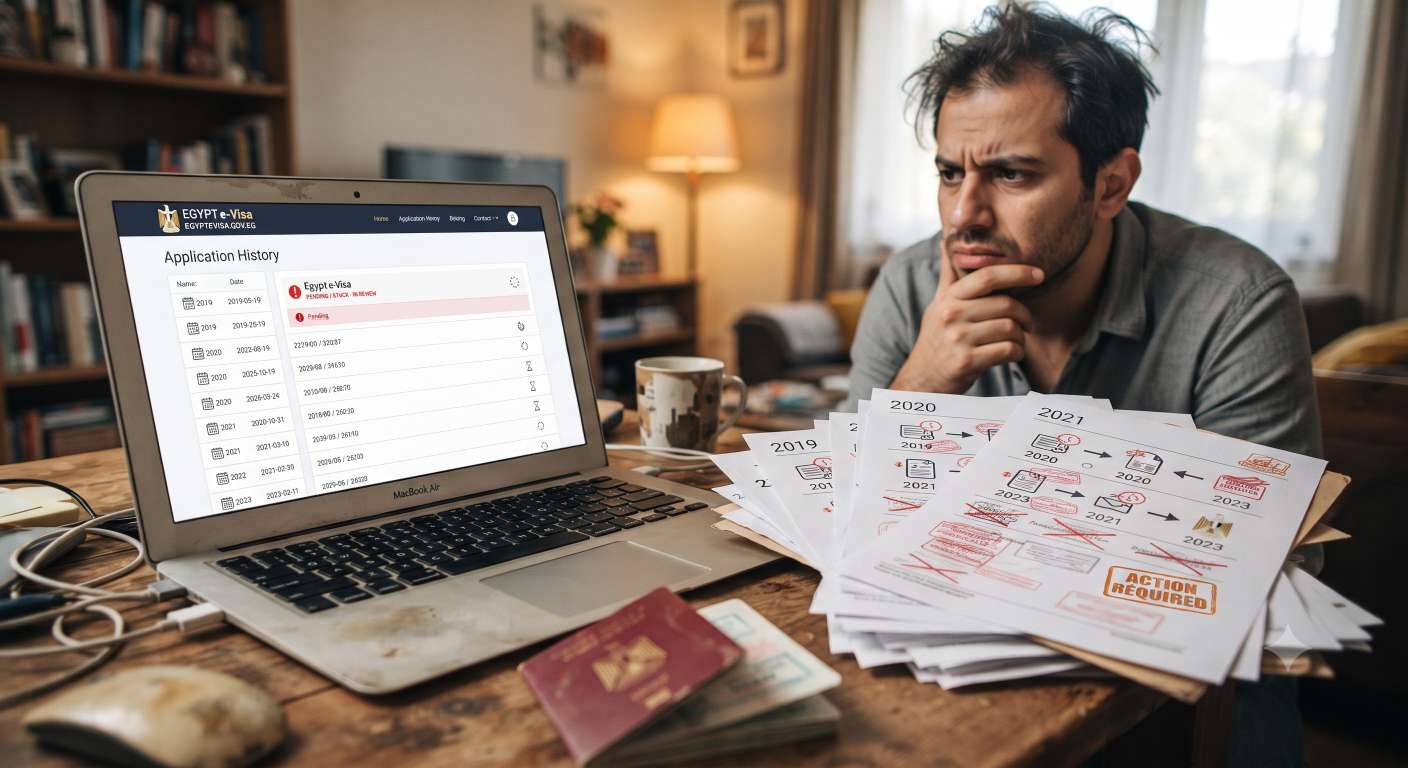
Many travelers discover they cannot start a new Egypt eVisa application because an older application is still showing as pending, unused, or unresolved. This situation is often described as being stuck in a loop: the portal will not let you submit a fresh form, but the old application was never used or properly closed. This article explains how to handle an Egypt eVisa previous application that may be blocking your next steps, what to check before creating a new application, and when it makes sense to contact support instead of submitting duplicate forms.
Why an Old Egypt eVisa Application Can Cause Confusion
An older application can create confusion for several reasons. You may have started an application but not finished it. You may have received an approved eVisa but never traveled on it. Or your application may still be showing as pending long after you submitted it. In some cases, the system may still associate your passport details with that previous record, which can make it unclear whether you should apply again or try to resume the existing application.
Not every old application will prevent a new one, but many travelers find they need to understand the status of their previous record before proceeding. Checking first can save time and reduce the risk of creating unnecessary duplicate applications.
Check the Status of Your Previous Application
Before starting a new form, review what you already have. If you have an application reference number, email confirmation, or any earlier correspondence, use that information to check the current status. The goal is to confirm whether your previous application is:
- Still pending
- Approved but unused
- Incomplete or abandoned
- Refused or otherwise closed
If you are unsure, use the Egypt eVisa status check page to see whether there is an existing record linked to your details. This step is often the fastest way to understand whether you need to resume an old application or start a new one.
What If the Previous Application Is Still Pending?
If your application still shows as pending, it may not be necessary or possible to submit another one immediately. A pending status can mean the application is still under review, waiting for additional information, or simply not yet updated in the system. In this situation:
- Check whether you were asked to provide extra documents or corrections.
- Review your email for any messages about the application.
- Use the status-check tool to see if the record has been updated.
- If the status has not changed for a long time, consider contacting support for guidance.
Submitting multiple pending applications with the same passport details can create further confusion. It is usually better to clarify the status of the existing record first.
What If You Never Used Your Previous eVisa?
Some travelers receive an approved eVisa but then change their plans and never travel to Egypt. Later, when they want to apply again, they are unsure whether the old visa affects a new application. An unused eVisa does not always block a new application, but the correct next step depends on its validity and the current portal rules.
Before applying again, check:
- Whether the previous eVisa is still within its validity period.
- Whether you are allowed to hold more than one eVisa at a time.
- Whether the portal requires you to use the existing visa or submit a new application.
If you are uncertain, review your previous approval email and consider using the status-check tool or contacting support before creating a duplicate application.
Should You Submit Another Egypt eVisa Application?
Creating a new application is not always the best first step when an older record exists. If your previous application is incomplete, you may be able to resume your Egypt eVisa application instead of starting over. If it is still pending, submitting another form may not speed things up and could create duplicate records.
A new application may be appropriate when:
- The previous application was refused and you are eligible to reapply.
- The old eVisa has expired and a new trip requires a fresh visa.
- Support has advised you to submit a new application after reviewing your case.
When in doubt, check the status first and avoid creating multiple applications with the same passport details unless you have a clear reason to do so.
How to Avoid Duplicate Applications
Duplicate applications can slow down processing and make it harder to track your correct record. To reduce the risk:
- Always check your email for earlier application confirmations.
- Use the status-check tool before starting a new form.
- Keep your application reference number in a safe place.
- If you started an application but did not finish it, try to resume it instead of creating a new one.
- Only submit a new application if the previous one is clearly closed, expired, refused, or if support has advised you to do so.
These steps help keep your visa records clear and make it easier for support to assist you if there is a problem.
What Information to Provide When Asking for Help
If an old application remains unresolved and prevents you from proceeding, you may need to contact support. When you do, provide clear, relevant information that helps identify your record without sharing sensitive data publicly. Useful details may include:
- Your full name as entered in the application.
- Date of birth and nationality.
- Application reference number, if available.
- Email address used for the application.
- A brief description of the issue (for example, “previous application still pending” or “unable to start new application”).
Do not publish your full passport number, payment card details, CVV, PIN, passwords, or banking information in public forums or messages. Use the official support channel and share only the information reasonably requested to identify your application.
How to Check Your Egypt eVisa Status
Checking your status is often the fastest way to understand whether an old application is still active. Visit the Egypt eVisa status check page and enter the details linked to your previous application, such as your application reference number and passport information. The result should tell you whether the application is pending, approved, refused, or otherwise closed.
If the system shows no record but you still cannot apply, or if the status seems incorrect, contact support with your details and explain the situation clearly. This approach is usually more effective than submitting several new applications in the hope that one will go through.
Leave a Comment
Share your questions, feedback, or experience regarding the news.
No Comments Yet
Be the first to share your experience or ask a question.